What Is a Golf Simulator? [Explained]
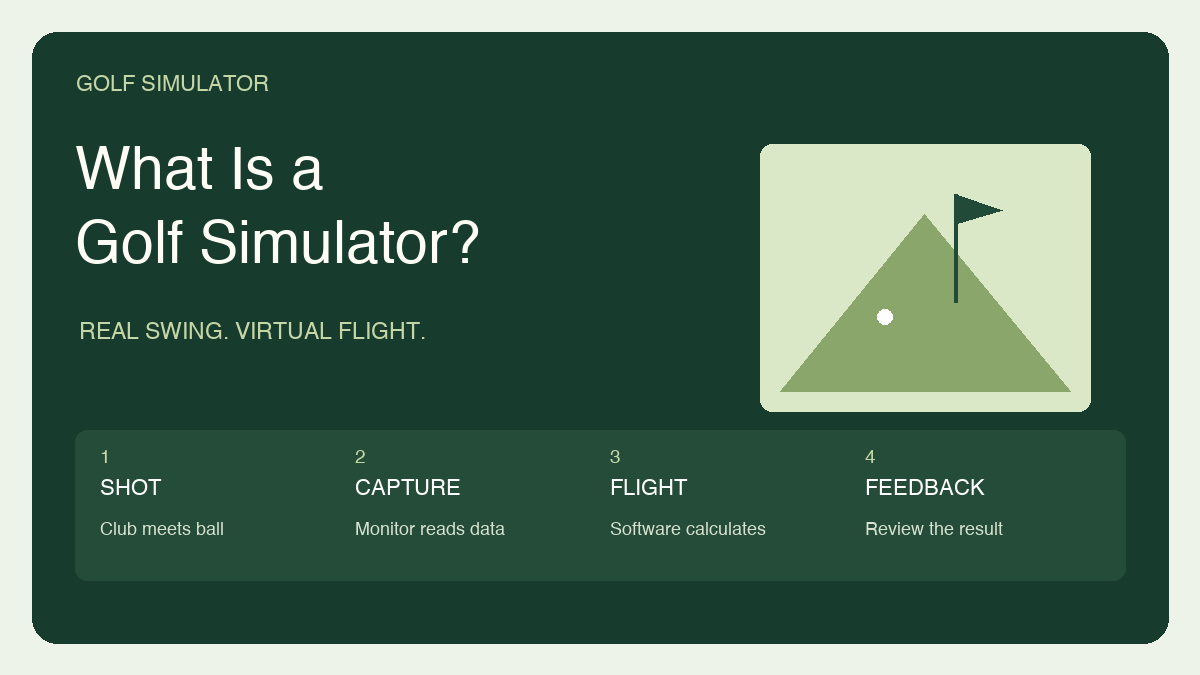
A golf simulator is a system that turns a real golf shot into a virtual ball flight. You swing a club, a launch monitor captures information about the strike, and software uses that data to show where the ball would travel. In a typical indoor setup, a net or impact screen stops the actual ball after a short distance while the virtual shot continues across a driving range or golf course.
That distinction matters when you start shopping. A practice net alone is not a simulator, and an expensive projector does not measure your swing. The launch monitor supplies the shot information. The software interprets it. The mat, enclosure and display make the system practical to use at home. You can build a modest setup around a net and tablet, or create a dedicated room with a large projected image.
My advice is to decide what you want from practice before choosing equipment. Learning your carry distances calls for different priorities than hosting a Saturday evening round with friends. This guide explains the essential parts, the numbers you will see, and the choices that determine whether a simulator fits your room and your routine.
The Five Parts of a Golf Simulator
Think of a simulator as a small system, not a single appliance. Some packages bundle most of the equipment, while others include only a launch monitor and software access. The important question is what each part does and whether it works with everything else. A bundle can look complete in a photograph while still requiring a computer, compatible app or separate subscription.
The first three priorities are a suitable hitting area, reliable shot capture and software you actually want to use. A projector can be a later upgrade. Spending more on the display will not compensate for a cramped swing area or a monitor placed outside its required operating distances.
| Component | Its job | What to establish first |
|---|---|---|
| Launch monitor | Captures ball data and, on some models, club data | Indoor operation, placement and supported software |
| Hitting mat | Provides a surface for your stance and strike | Size, stability and height relative to the monitor |
| Net or impact screen | Contains the ball | Suitable golf-ball rating, surrounding protection and rear clearance |
| Simulator software | Calculates the shot and provides practice or course play | Device compatibility, features and ongoing charges |
| Display and computer or mobile device | Runs or shows the experience | Required hardware and whether projection is necessary |
How a Real Shot Becomes a Virtual One
After impact, the launch monitor captures information such as ball speed and launch direction. Depending on its design, it may also measure spin and club delivery. The software then calculates a flight from the available inputs. That is why a ball can strike a screen a few feet away while its on-screen counterpart keeps flying down the fairway.
Camera-based monitors capture rapid images around the hitting area. Radar-based monitors use radar measurements to analyse the shot. Neither label tells you everything about a particular device. Read the specifications for the exact model, especially which numbers it measures directly and which it calculates. The distinction becomes useful when you are comparing a basic practice tool with a system intended for more detailed swing analysis.
A Launch Monitor Is Not Always a Complete Simulator
A launch monitor can be useful without virtual course play. You might take one to the range simply to review distances and shot patterns. To use that device as the centre of a simulator, it needs compatible simulation software and a suitable way to display the results. Some units have their own screen, while others depend on a phone, tablet or computer.
For example, Garmin describes simulator features for its Approach R10 through the Garmin Golf and Home Tee Hero apps. That illustrates the relationship between hardware and software, rather than a universal setup for every monitor. Before buying, confirm the particular app, operating system and subscription requirements for the experience you want. A familiar course name in an advertisement is less useful than a clear list of what your purchase unlocks.
Which Shot Numbers Matter First?
You do not need to understand every metric on your first session. Begin with carry distance, starting direction and the spread of several shots. Those give you a practical picture of what a club is doing. A single excellent swing can be encouraging, but it is a poor foundation for deciding which club to hit over water.
Add more detailed numbers when you have a specific question. Ball speed describes the ball immediately after impact. Launch angle describes its initial upward direction, and spin contributes to the shape of its flight. Keep an eye on whether a displayed value is measured or calculated, and whether your device supplies it for the club and shot you are practising.
| Reading | Plain-language meaning | Useful question |
|---|---|---|
| Carry distance | Distance to the first landing point in the simulated flight | How far does this club usually fly? |
| Total distance | Carry plus simulated bounce and roll | What landing conditions are being assumed? |
| Ball speed | How fast the ball leaves the strike | Is my strike producing consistent speed? |
| Launch angle | The ball’s initial upward angle | Am I launching this club consistently? |
| Shot dispersion | The pattern formed by a group of shots | How wide and long is my normal miss? |
Net and Tablet or Screen and Projector?
A net-and-tablet arrangement can be a sensible first step when you mainly want practice feedback. You hit into the net and look at the device for the result. It is less immersive than a projected course, but separating the screen from the impact area can simplify the setup. Position electronics where a mishit or rebounding ball cannot strike them.
A projector and impact screen make the virtual course part of the hitting space. That can be more enjoyable for shared rounds, but it adds decisions about image size, projector position, shadows and ambient light. An ordinary projection screen is not a substitute for a golf impact screen. Choose the ball-containment equipment for its intended use before planning the picture around it.
| Your priority | Starting arrangement | Main tradeoff |
|---|---|---|
| Reviewing practice shots | Golf net with a compatible tablet or computer | You look away from the hitting area to review results |
| Immersive course play | Impact screen, enclosure and projector | More installation and room-planning decisions |
| A room used for several purposes | Equipment that can be stored and realigned | Setup time becomes part of every session |
Room Size Depends on the System and Golfer
There is no single room size that makes every simulator suitable. You need space for your entire swing, the monitor’s specified placement, the distance to the target and the clearance behind it. Ceiling height also needs to account for your mat and anything hanging into the swing area. A measurement taken in an empty room can be misleading once equipment is installed.
The Approach R10 is one concrete example: Garmin specifies placing it 6–8 feet behind the ball, with the ball at least 8 feet from an indoor net. Those figures describe that model, not every launch monitor. Camera-based systems may use a different position around the hitting area. Start with the exact manual, then check the complete arrangement, including space for spectators outside the swing and ball path.
What Simulation Can and Cannot Reproduce
A simulator gives you a repeatable place to practise without needing a full-length driving range. You can choose a target, hit a group of shots and review the pattern. Virtual course play also gives practice a purpose beyond repeatedly hitting the same club. The useful habit is to set a task before you begin, such as learning a comfortable half-swing distance.
It does not recreate every challenge of outdoor golf. A flat mat cannot physically reproduce an uneven lie, deep rough or a bunker. Software can adjust the virtual outcome, but your feet and club are still interacting with the same surface. Treat simulator sessions as one part of practice, then take what you learn outside. In particular, do not assume that a good score indoors settles questions about real-course short-game skill.
The Buying Decisions to Make Before You Order
Write down the room you will use, the people who will play, and the device you already own for running software. Include left- and right-handed users if both need access. Then separate essential purchases from upgrades. A comfortable hitting surface and a suitable containment system deserve attention before cosmetic extras.
I would also compare the first-year cost with the cost of keeping the setup running. Software, course access and certain data features may have separate charges, depending on the system. Ask what happens if you stop a subscription and whether the functions you value remain available. Finally, decide where everything will live between sessions. A setup that takes too much effort to unpack is easy to stop using, regardless of how impressive its specifications look.
Frequently Asked Questions
Do you use real golf clubs in a simulator?
Most full-swing simulators are designed around real clubs and golf balls. Some entertainment systems use special controllers or swing devices instead. Check the system’s intended use so you do not confuse a golf simulation game with equipment that measures a real ball strike.
Do I need a projector?
No. A compatible phone, tablet, computer display or built-in screen can show shot results or course play. A projector is primarily a display choice. The launch monitor and software still perform the measurement and simulation work.
Can I use foam balls?
Do not assume foam balls work for accurate shot measurement. Ball requirements depend on the monitor. Garmin advises regulation golf balls for its launch-monitor products, for example. A ball that is convenient for gentle indoor practice is not automatically suitable for measuring a real golf shot.
Can left- and right-handed golfers share a simulator?
Often, but the room and monitor placement need to support both. A device beside the ball may need repositioning between players, depending on the model. Confirm its instructions and allow enough swing space on each side before choosing a package for a mixed-handed household.
Is an internet connection always required?
Requirements vary by software and feature. Account activation, downloads, online competition and some subscriptions may need connectivity. Check whether the practice and course modes you want work offline, rather than assuming all functions behave the same way.
Can a beginner use a golf simulator?
Yes, provided the area is set up for safe ball containment and clear swings. Start with simple targets and a few understandable measurements. A coach can help you turn the feedback into an appropriate practice plan instead of trying to change your swing in response to every number.
Build Around the Practice You Will Actually Do
A good simulator brings together a suitable space, compatible hardware and software, and a clear reason to practise. Start with the room and your intended use, then choose the launch monitor and supporting equipment around those constraints. You can add a more immersive display later. What matters first is that you can swing comfortably, capture useful feedback and return to the setup regularly.
For an overview of the equipment categories, explore our golf simulator equipment guide.